

1. Check for Issues with Google Search Console
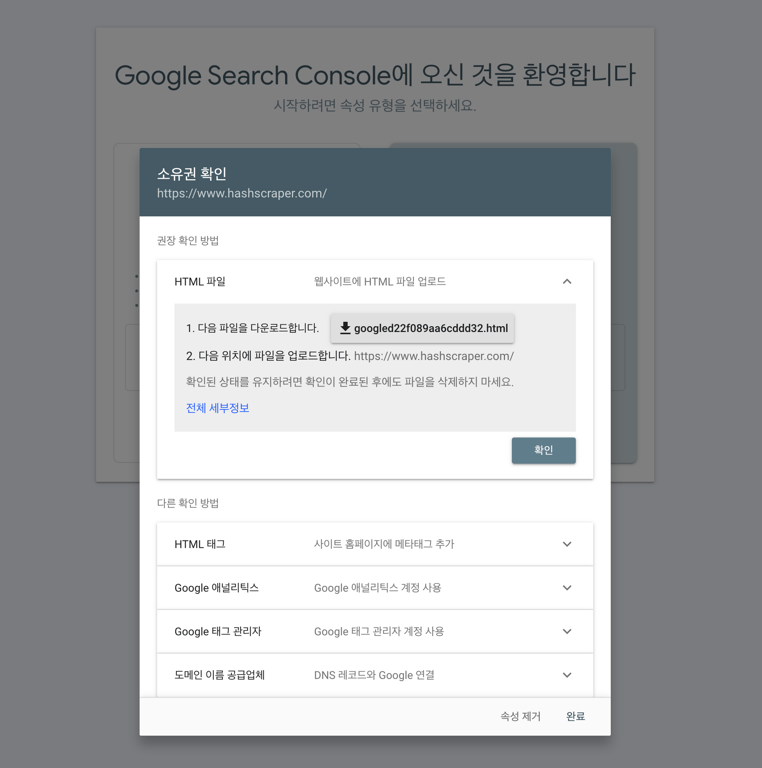
After verifying the domain, once the crawling bot starts crawling, data will be visible. Please check back in a few days to see the data.
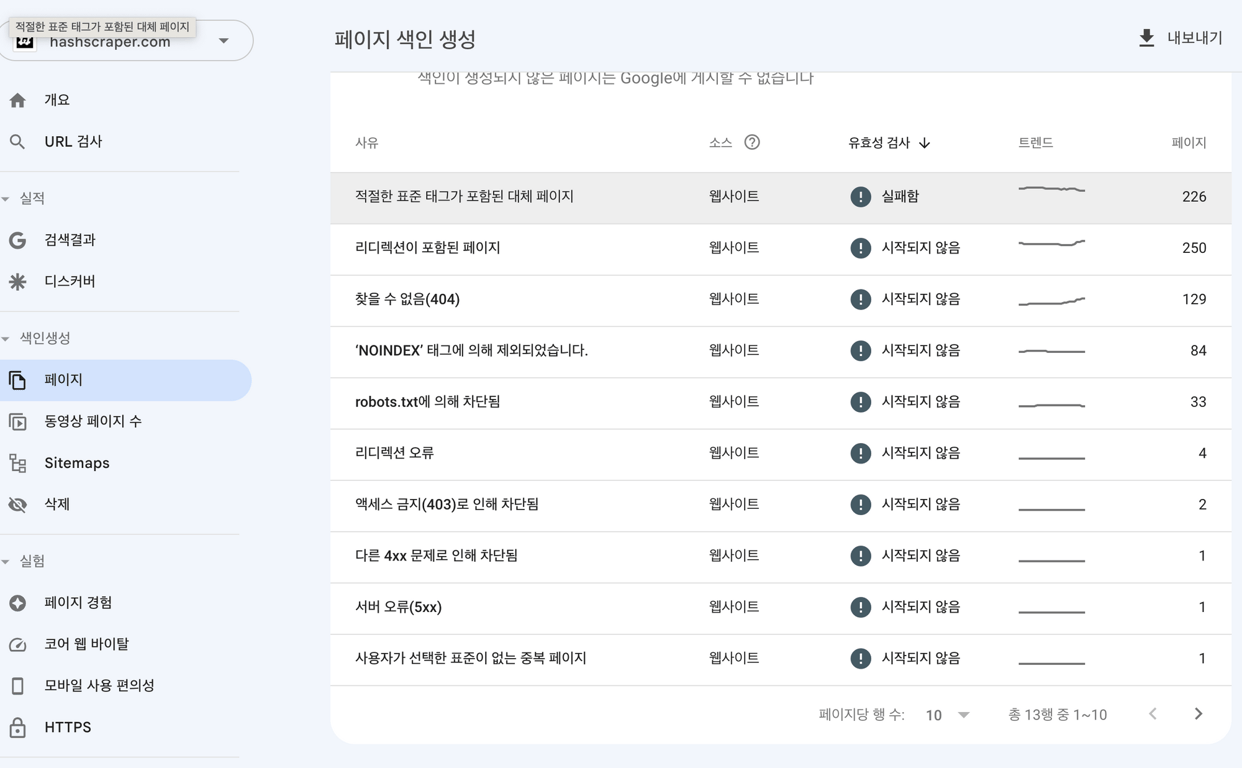
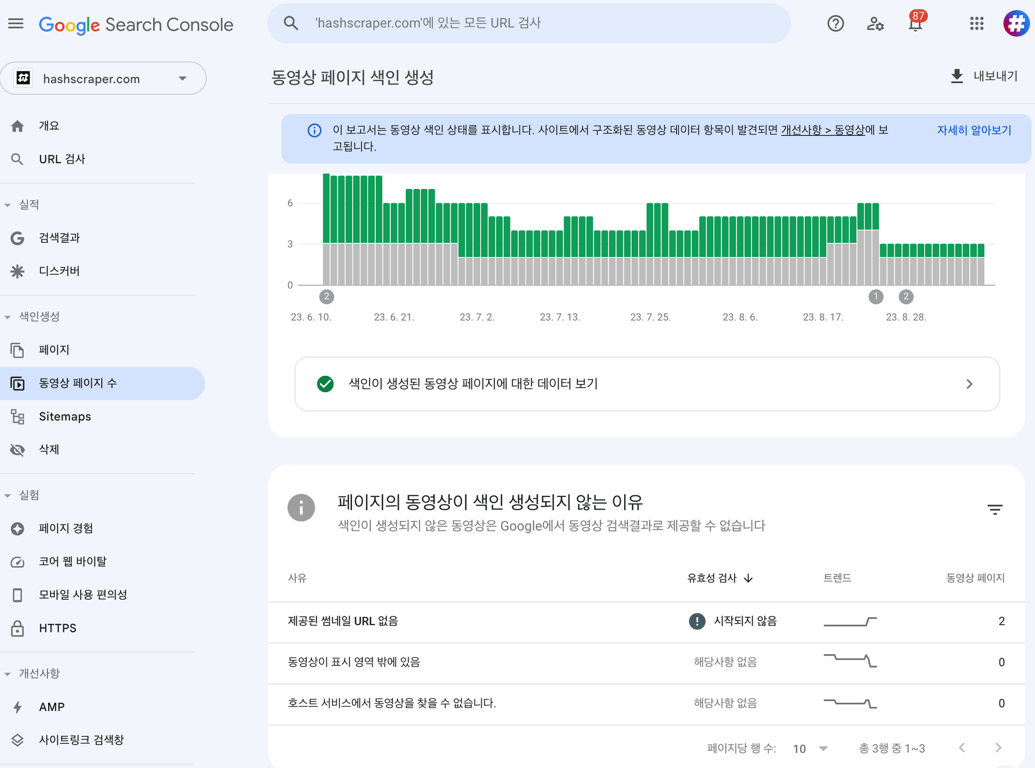
Common errors during crawling include:
- Timeout
- Connection refused
- Connection failed
- Connection timeout
- No response
In most cases, server errors are temporary. However, if the error persists, check for server issues. Sometimes hosting provider errors may occur, so contact your hosting provider.
If the robots.txt file returns a 200 or 404 error, search engines may have difficulty accessing this file. Ensure the robots.txt sitemap is error-free or check if there is any blocking of bots on the server side.
2. Create a Sitemap
Crawlers typically refer to the sitemap on the homepage to start crawling. Creating an error-free sitemap makes it easier for bots to crawl.
3. Regularly Update New Content
Creating new content regularly will prompt search engines to crawl your site more frequently.
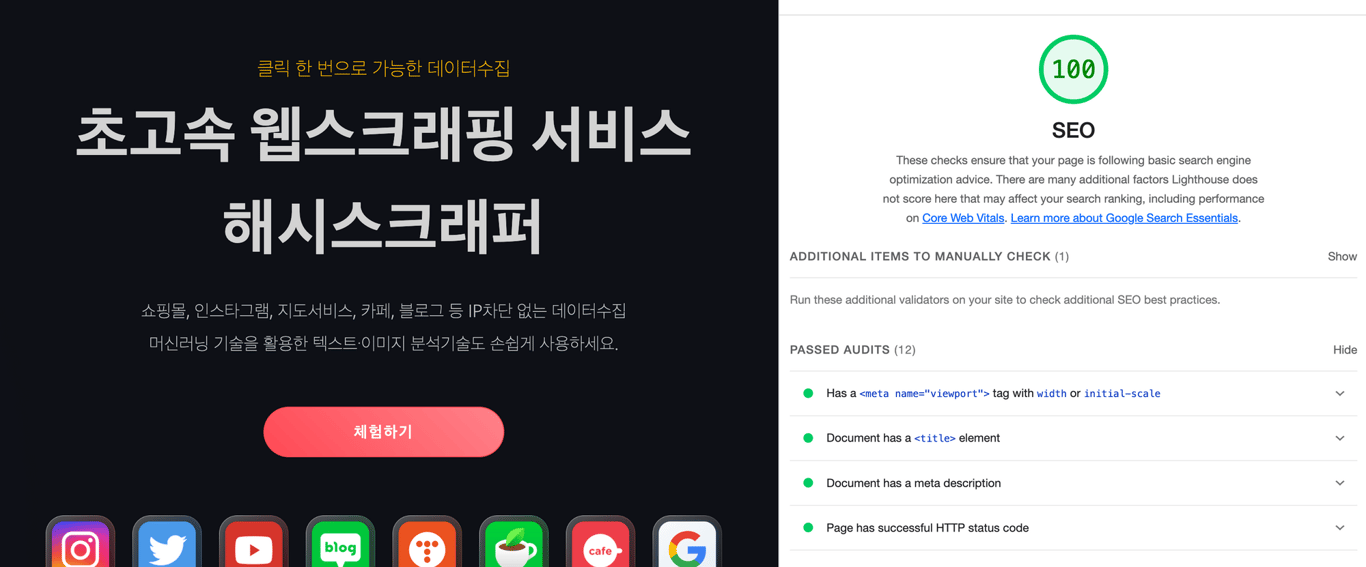
4. Develop a Mobile-Friendly Site
With the introduction of mobile-first indexing, it's essential to create pages optimized for mobile to avoid ranking drops. Here are some key methods to create a mobile-friendly site:
a. Implement responsive web design
b. Insert viewport meta tags in content
c. Minimize resources (CSS and JS) on pages
d. Specify page tags with AMP cache
e. Optimize images to reduce loading times
f. Reduce the size of UI elements on pages
Test your website on mobile platforms and optimize it using Google PageSpeed. Page speed is a crucial ranking factor and can impact the speed at which search engines crawl your site.
5. Remove Duplicate Content
Duplicate content pages can incur penalties. Avoid this by optimizing canonical or meta tags.
6. Restrict Exposure of Specific Pages
To prevent search engines from crawling specific pages, you can use the following methods:
- Place 'noindex' tags.
- Place URLs in the robots.txt file.
7. Backlink Your Homepage on External Sites
Backlinks refer to other websites linking to yours. These links serve to connect your website to authoritative sources, which search engines use to evaluate your site's credibility and authority. Links from trustworthy sources have a greater impact.
Check out this article as well:
Data Collection, Automate Now
Start crawling over 5,000 websites in 5 minutes without coding.


